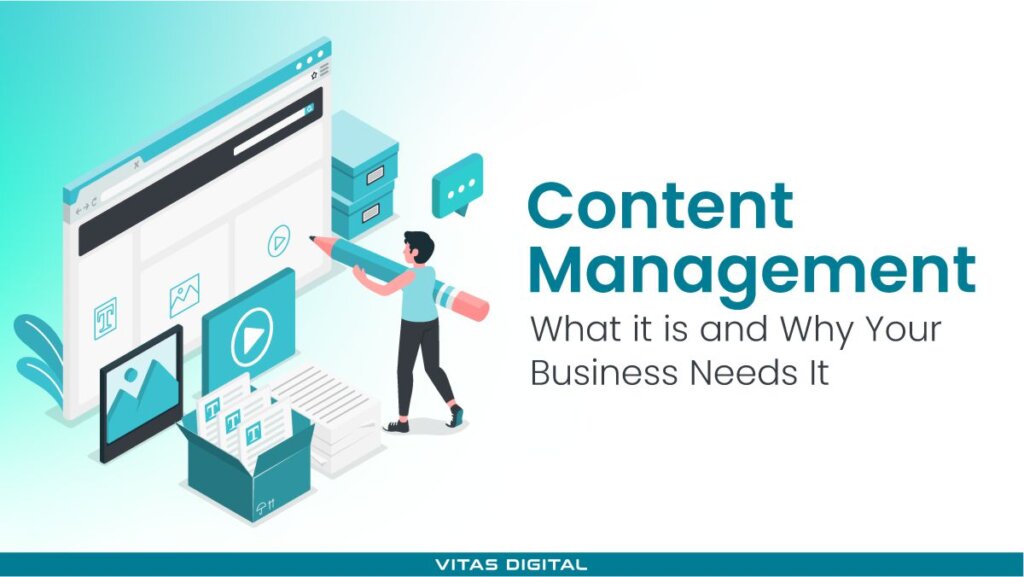
Content management (CM) is a system that controls, clarifies, and makes information actually work for your team. Without it, businesses waste time, lose track of key assets, and slow growth, so it's more than tools or software.
We explain:
- What content management really means
- How structured vs. unstructured content affects your operations
- Step-by-step processes, types, and tools that improve performance
Plus, a governance checklist you can download and use right away to apply everything in practice. So, let's start!
What is Content Management (CM)?
Content management represents how organizations create, organize, store, and update digital information — including documents, videos, spreadsheets, and more.
A strong management process keeps this information accessible, current, and aligned with business goals.
Structured vs. Unstructured Content
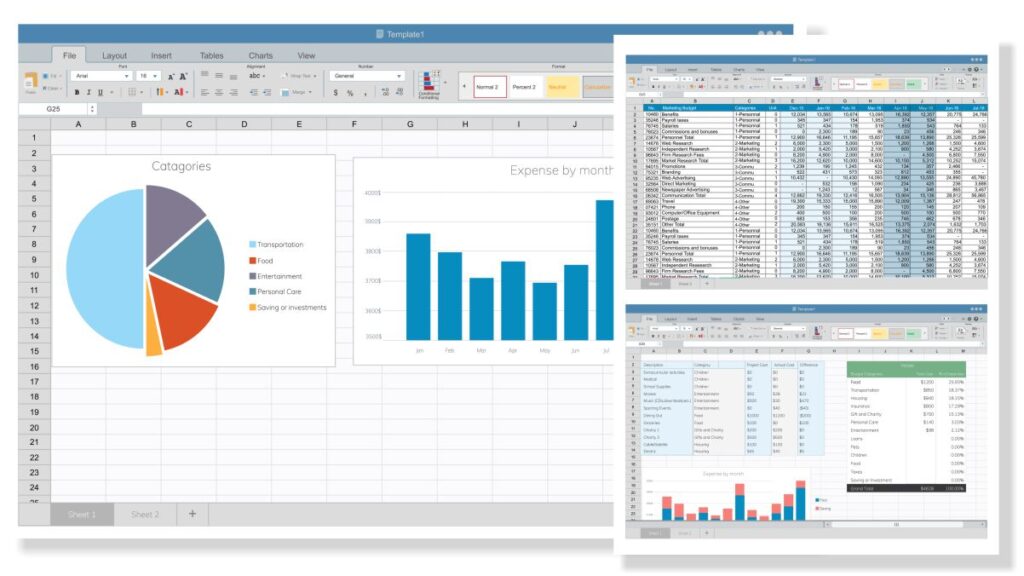
Structured content is organized and easy to search — think spreadsheets, CMS fields, or databases. It speeds up search, retrieval, and automation.
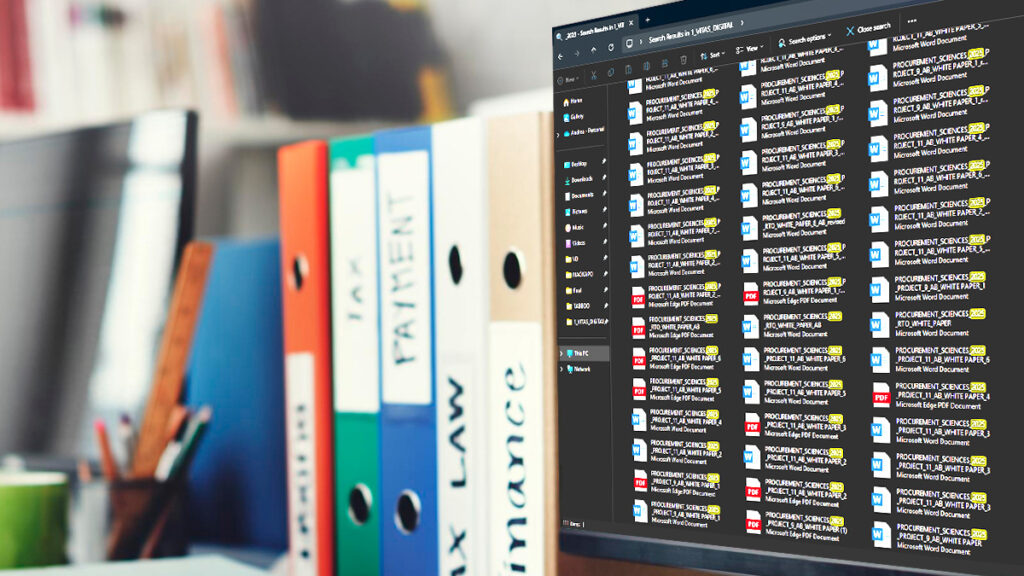
Unstructured content includes PDFs, videos, and raw text—it is harder to manage but critical. Since 80% of business data is unstructured, companies need better management programs to handle growth and complexity across teams.
Here's a simple table to compare the core differences—so you know where each type of content fits and what to manage better:
Feature | Structured Content | Unstructured Content |
Format | Databases, spreadsheets, CMS fields | PDFs, videos, audio files, plain text |
Searchability | Easy to search and filter | Harder to search without tagging or AI |
Storage & Retrieval | Organized and automated | Often scattered and manual |
Examples | Inventory data, product specs, blog meta | Emails, customer support videos, transcripts |
Management Tools | Content management systems (CMS), CRMs | DAMs, cloud storage, and AI-based indexing |
Business Impact | Supports workflows and reporting | Crucial for context, branding, and communication |
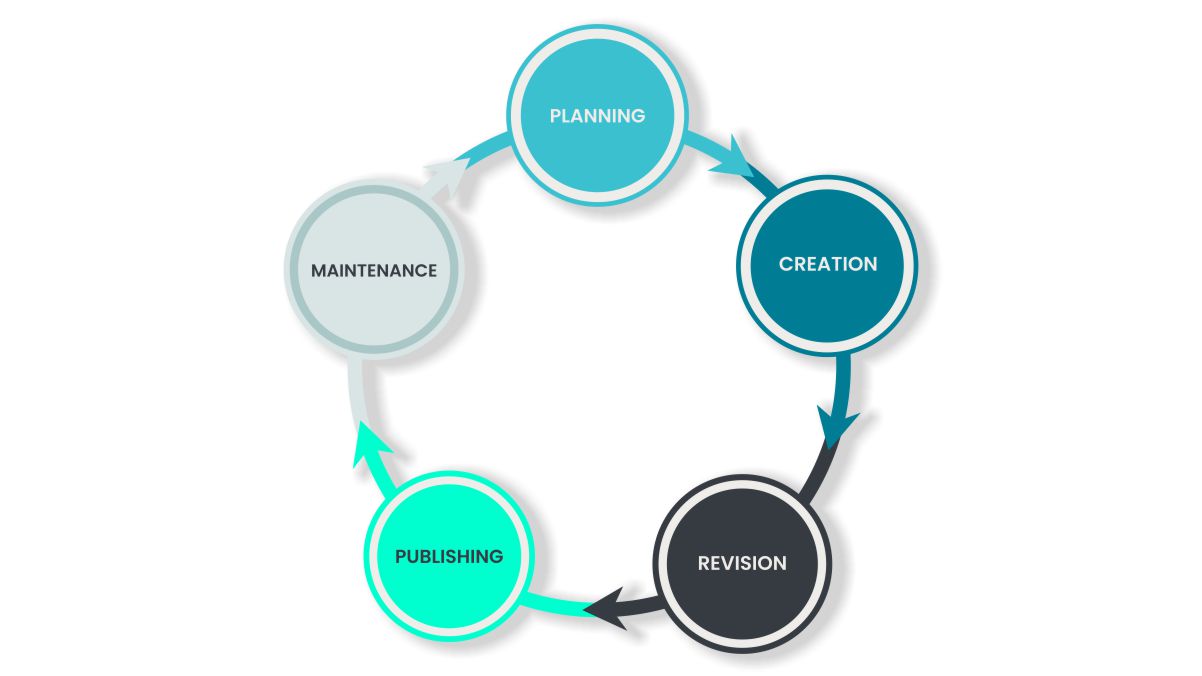
A defined process prevents chaos, saves time, and helps every asset serve a purpose. Here are 8 essential steps:
Content Management Process
1. Strategy and planning:
Set goals for your content:
- Who's it for?
- What's the message?
- What action should the reader take?
Use a content calendar to plan topics, formats, and timing around business priorities.
2. Creation:
During this process, focus on research, user intent, and business needs. Whether a blog post or a case study, aim for clarity, accuracy, and value. Use a consistent tone and structure.
3. Editing and review:
Don't publish rough drafts. Review for grammar, tone, clarity, formatting, and SEO. Before it goes live, check that the draft matches your goals and brand voice.
4. Publishing:
Use a content management system (CMS) to schedule and publish across platforms. Ensure each post is optimized for search, mobile-friendly, and technically sound.
For teams without full in-house capacity, website content management services offer a reliable way to handle this step efficiently.
5. Retention and auditing:
Set rules for how long content stays live. Track revisions, monitor performance, and flag outdated material for review. This is where compliance and accountability matter most.
6. Organization:
Structure content with categories, tags, and internal links. Make it easy to find, reuse, or update. Clear labeling improves both user experience and internal workflows.
7. Updating and modification:
Keep content fresh. Review high-traffic pages regularly and update stats, links, or CTAs. Remove anything irrelevant or low-performing. SEO is never "set and forget."
8. Integration into workflows:
Content should support business operations—not sit outside of them. Integrate content into marketing, sales, and product workflows so it's part of everyday execution.
Content Governance
It's the system behind the content. It defines who is responsible for each piece, sets publishing rules, and ensures every asset meets quality and brand standards.
Without governance, teams risk duplicating work, publishing outdated or inconsistent information, and losing track of key responsibilities.
So, this system helps:
- Avoid redundant or conflicting content
- Keep messaging consistent across all channels
- Maintain accountability across roles and teams
- Ensure compliance with legal or industry standards
It's not just about control — it's about clarity, collaboration, and protecting the integrity of your content.
Content Governance Tools
Effective governance isn't just policy—it depends on tools that support structure, control, and accountability at every stage of the content process.
Here are some of the most commonly used tools by our team:
- Asana: Assign content tasks, manage approvals, and set deadlines
- Trello: Visual boards for tracking content from draft to published
- ClickUp: Combines project planning with content workflow tracking
- Monday: Customizable pipelines for editorial workflows and team roles
Additionally, here's a quick overview of the four pillars behind good governance—and how tools help support them:
- Workflow systems – Assign responsibilities, track approvals, and make sure nothing goes live without the right checks
- Style guide – Keep tone, grammar, and formatting consistent across all creators
- Taxonomies – Use tags and categories to improve content structure and searchability
Version control with audit trails – Track changes, manage access, and ensure compliance (especially in regulated industries)
Types of Digital Content Management
Every format plays a role. Integrating them through unified content management programs ensures easier collaboration and reduces mistakes.
Web Content Management (WCM)
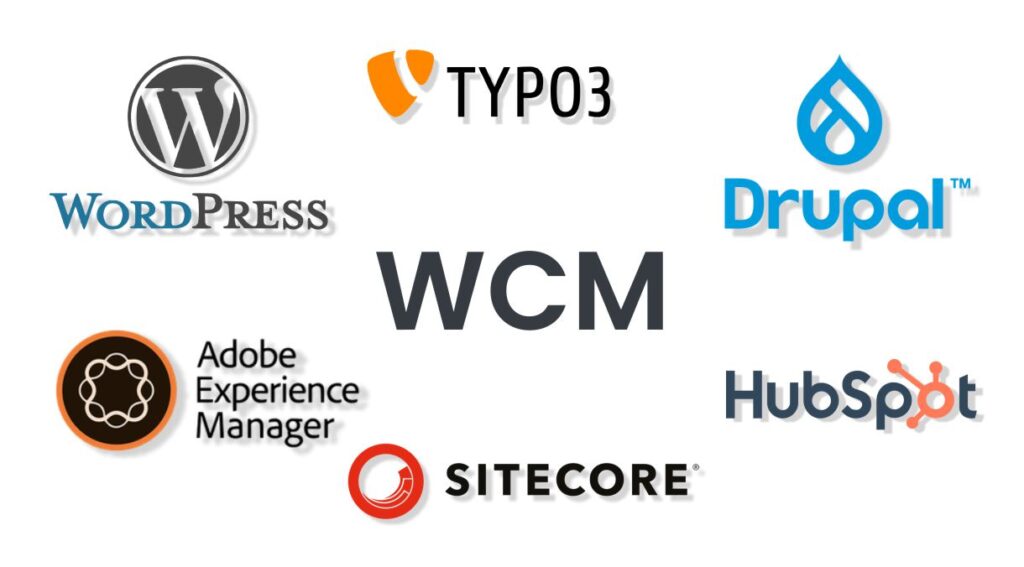
This system manages all content published on websites and digital platforms, including web pages, blog posts, landing pages, and media embedded within them.
Web Content Management (WCM) software, such as WordPress, lets teams edit, schedule, and publish web content without coding. This is ideal for marketing and communication teams that publish regularly.
Document Management
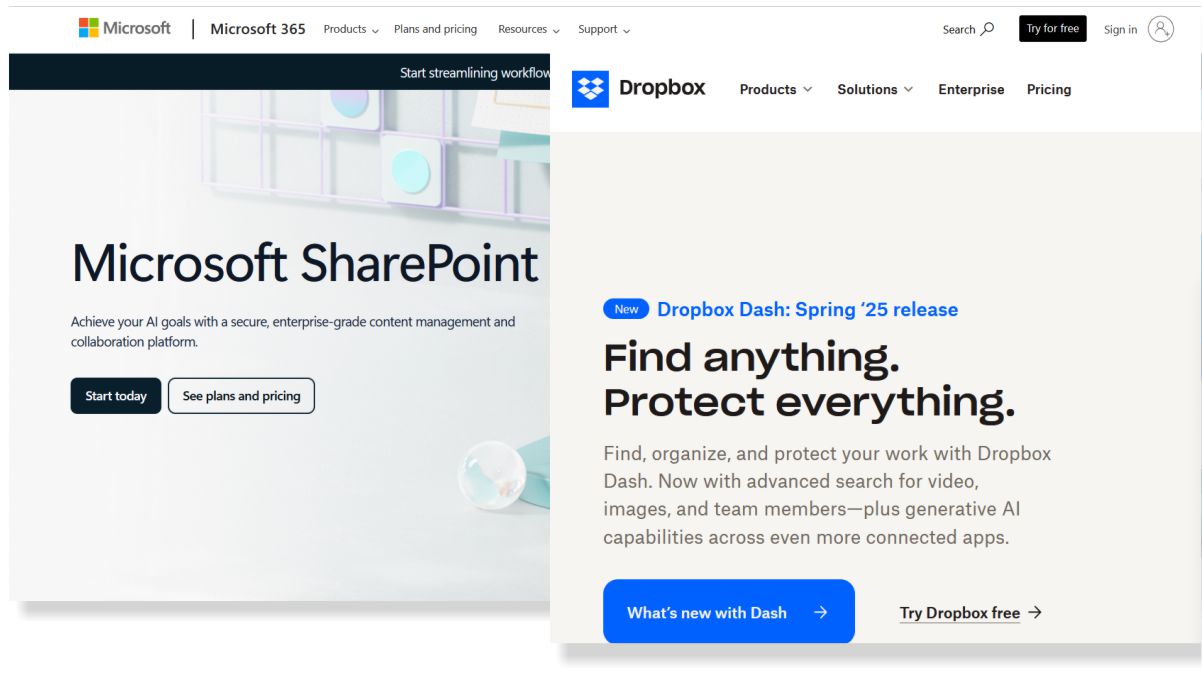
Document management systems like Dropbox or Microsoft SharePoint are designed to handle internal files such as contracts, reports, policies, and spreadsheets. They help with secure storage, version control, and permission-based access.
Digital Asset Management (DAM)
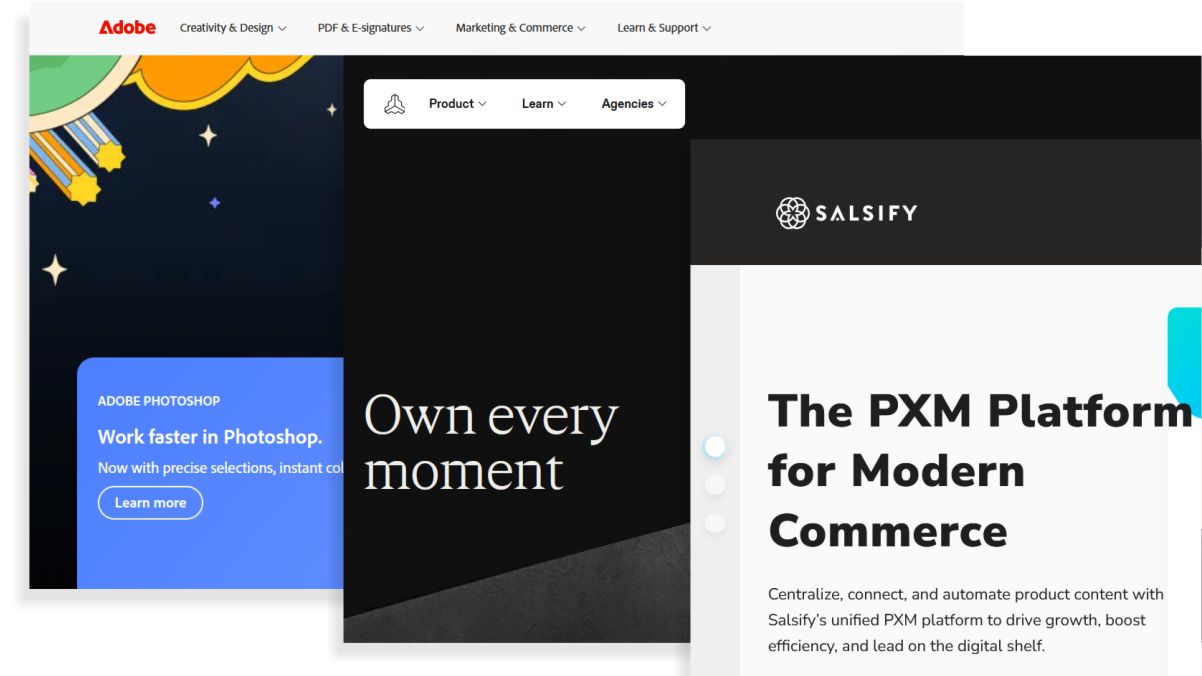
Digital Asset Management (DAM) systems, such as Adobe, Salsify, or Frontify, manage rich media files, such as photos, videos, graphics, and audio. These platforms ensure that brand assets are organized, tagged, and easily retrieved, especially for marketing, design, or advertising teams.
Enterprise Content Management (ECM)
Enterprise Content Management (ECM), such as DocuWare, is a broader, company-wide approach that unifies all content types—documents, records, web content, emails—into a single strategy. It focuses on operations and compliance, helping organizations maintain consistency, transparency, and control.
Records Management (RM)
Records Management (RM), for example, Notion, ensures that critical records are stored, retained, and disposed of according to legal and regulatory standards. This includes contracts, client files, tax documents, and more — anything that must be archived securely and tracked over time.
Cloud Content Management (CCM)
Cloud Content Management (CCM) platforms like Google Drive offer centralized access to files from anywhere. They support collaboration, sharing, and remote workflows, which is especially useful for distributed teams or businesses operating across multiple locations.
Why a Content Management Matters for Your Business
A clear content management process helps teams stay efficient, organized, and focused. From daily operations to long-term growth, it gives your content structure and purpose.
Need help fixing disorganized content? Contact our team for a full content management review.