The best blogging platforms, such as WordPress, Wix, Squarespace, Medium, and Substack, make it easy to publish, organize, and optimize your posts for visibility.
Here, you'll learn how to publish a blog post step by step, practical tools that speed up the process, and improve your results.
No coding or technical setup required, just clear tips on how to help your blog get found, clicked, and read. Let's start!
Best Blog Platforms (Where to Add a Blog)
Before you hit "publish," you need to decide where your blog will live. Some platforms are beginner-friendly with drag-and-drop builders, while others offer more control over SEO and design.
Here are the top options:
WordPress
WordPress is by far the most flexible content management system (CMS) available. It's ideal if you're building a full website and want to have full control over SEO and design. WordPress supports thousands of plugins, themes, and integrations that help your blog stand out.
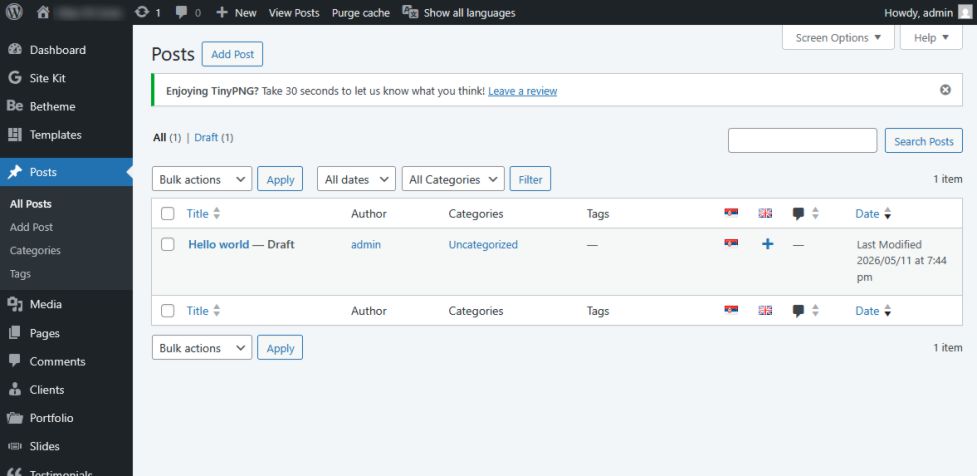
Wix
Wix is known for its drag-and-drop builder, which makes it easy to create and publish blog posts without touching a line of code. It's great for beginners who want a clean and straightforward interface. While it may not have the SEO depth of WordPress, it still covers all the basics.
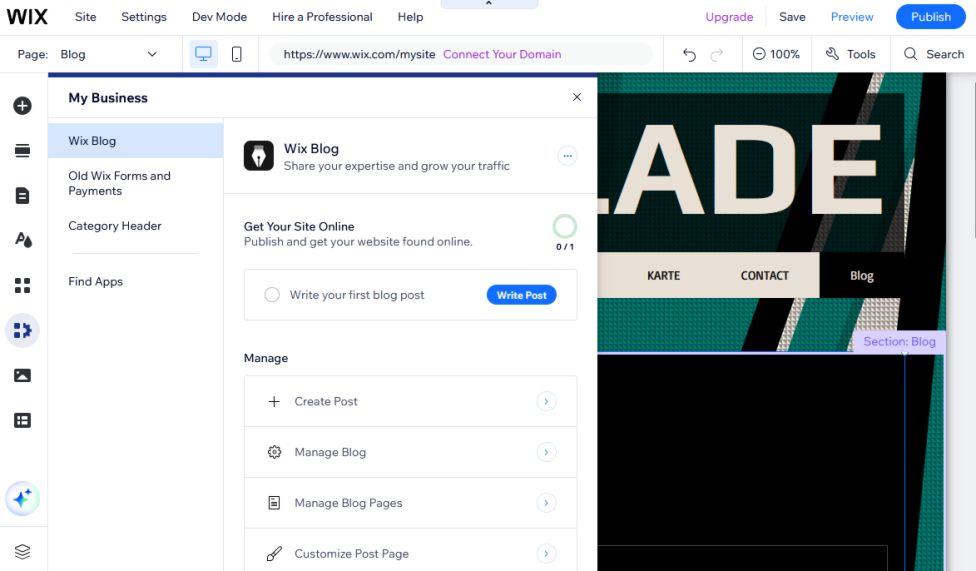
Squarespace
Squarespace offers beautiful design templates and built-in blogging tools. It's perfect for visual brands, artists, and small businesses that want their content to look polished without hiring a designer. Squarespace also has helpful scheduling and SEO features.
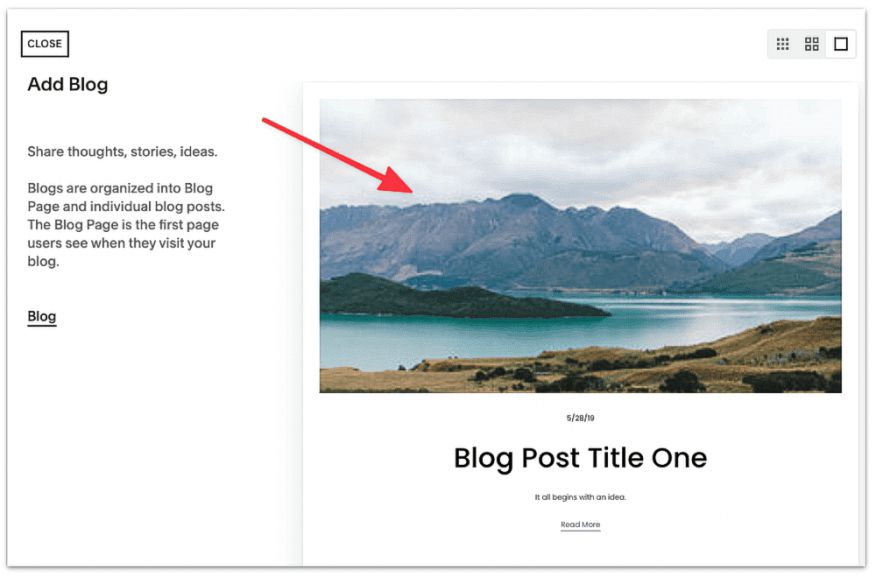
Medium
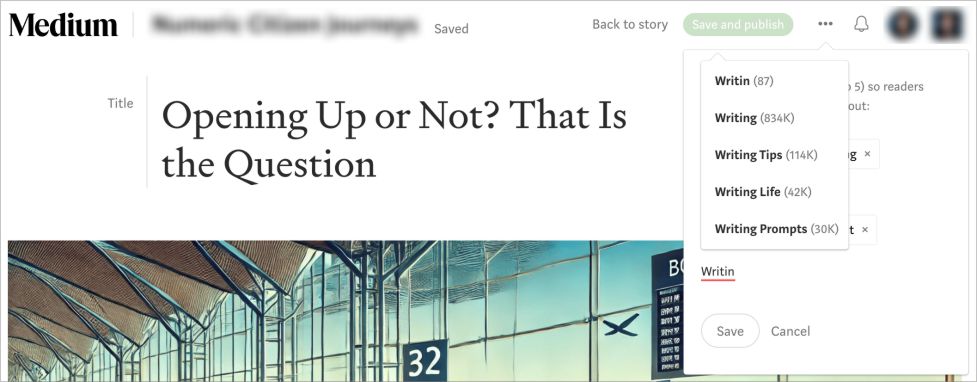
Medium is more of a writing-focused platform. You don't need to manage a website – just sign up and start writing. It comes with a built-in audience, so it's great for thought leadership and storytelling. However, customization is limited, and you're writing on Medium's platform, not your own domain.
Substack
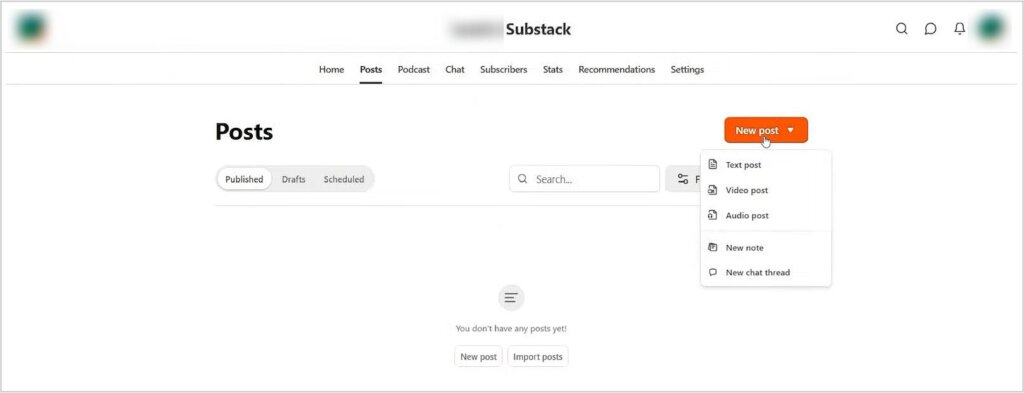
Substack is a hybrid between a blog and a newsletter platform. It allows you to publish blog posts and send them directly to subscribers via email. If you're building a personal brand or want to create a reader community, Substack is a solid choice.
If you're asking where to post a blog, where do you post blogs, or searching for free blog sites, these five platforms are an excellent place to start.
Each one caters to different needs, so consider your goals, audience, and budget. Once you've picked your platform, scroll down for step-by-step publishing guides.
HTML vs CMS
There are two main ways to add a blog post to your website: editing HTML files manually or using a content management system (CMS). Each approach has its pros and cons.
HTML (Hypertext Markup Language)
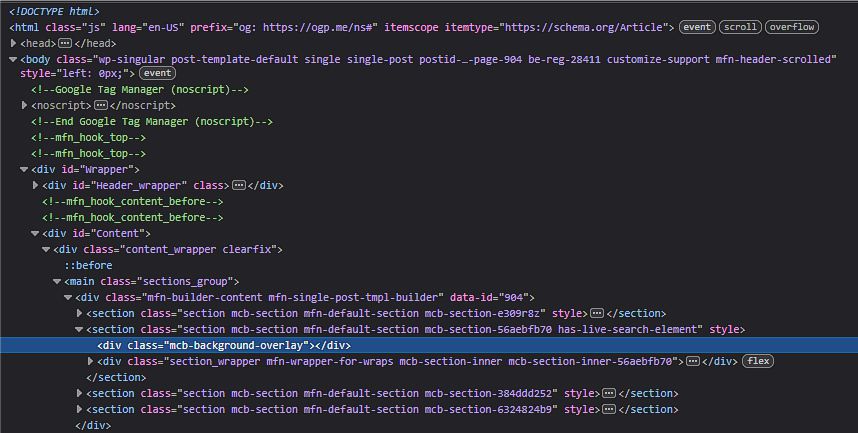
When you publish a blog post through Hypertext Markup Language (HTML), you're typically working with raw code. You might use FTP to upload an edited index.html or create a new HTML file altogether.
While this gives you complete control, it's time-consuming and requires technical knowledge. You need to format text manually, insert images, and ensure everything displays properly across different devices.
CMS (Content management system)
A content management system (CMS), on the other hand, does all of that for you. Platforms like WordPress, Wix, and Squarespace let you publish content with just a few clicks. You can write your post in a visual editor, drag in images or videos, and preview how everything looks. SEO fields, like meta descriptions and slugs, are also easy to edit.
In short, HTML offers control; CMS offers convenience. Unless you're a developer, using a CMS saves time, avoids errors, and helps you optimize for search engines.
Steps to Publishing on Specific Blog Platforms
Now that you've chosen your blog platform, it's time to get into the details. Below are the exact steps for how to publish a blog post on some of the most widely used systems.
WordPress
- Log in to your dashboard.
- Go to Posts → Add New.
- Write or paste your content in the block editor.
- Format text, add headers, and insert media.
- Use an SEO plugin like Yoast to set the title, meta description, and slug.
- Preview your post and click Publish.
If you're new to the platform and wondering how to create a blog on WordPress, check out WordPress.com's learning resources to get started.
Wix
- Log into Wix and open your dashboard.
- Go to Blog → Create a Post.
- Add your title, text, and images using the visual editor.
- Add tags and categories on the sidebar.
- Preview and click Publish.
Squarespace
- Log in to your account and open Pages.
- Select your blog page, then click the + icon.
- Add your title, text, and visuals in the pop-up editor.
- Adjust tags, categories, and publish time.
- Click Save & Publish.
Medium
- Log in and click your profile photo → Write a Story.
- Add a title and write your content.
- Format text, insert links or embeds, and upload visuals.
- Click Publish in the top-right corner.
- Add up to five tags and confirm.
Substack
- Log in and click New Post.
- Write or paste your article, and add visuals.
- Choose whether to send it via email, publish on your site, or both.
- Select scheduling and click Publish.
If you manage multiple posts or platforms, you can save time by using uploading and publishing services. We handle formatting, SEO setup, and uploads across all channels for you.
Content Management Tools That Save Time
There are dozens of tools that can help you publish more efficiently, improve SEO, and keep your content calendar organized. These blog publishing tools are invaluable for small teams or solo bloggers who manage every step of the content process.
Grammarly
Grammarly helps bloggers improve grammar, spelling, clarity, and tone while writing. It also suggests improvements in sentence structure and readability, making the content more professional and easier to understand. It’s especially useful for editing blog posts quickly before publishing.
CoSchedule
CoSchedule is a content calendar and marketing management tool designed to organize blog publishing schedules. It helps teams plan articles, manage deadlines, and coordinate social media promotion in one place. Bloggers can streamline their workflow and maintain a consistent publishing schedule.
Contentbase
Contentbase is an AI-powered SEO content platform that helps users create optimized blog posts faster. It assists with keyword targeting, content structure, and search-intent optimization, making it useful for scaling content production and improving organic visibility.
Yoast
Yoast is one of the most popular WordPress SEO plugins for optimizing blog posts. It provides real-time recommendations for keyword usage, readability, metadata, internal linking, and technical SEO improvements. Yoast helps bloggers improve their chances of ranking higher in search engines.
WP Rocket
Ready to Publish Blog Post Right – and Fast?
Choosing one of the best blogging platforms and using tools like Yoast, Google Docs, and Buffer helps ensure your posts are optimized and consistent.
If you manage several blogs or clients, contact us. We can handle formatting and SEO setup so you can focus on writing instead of technical details.